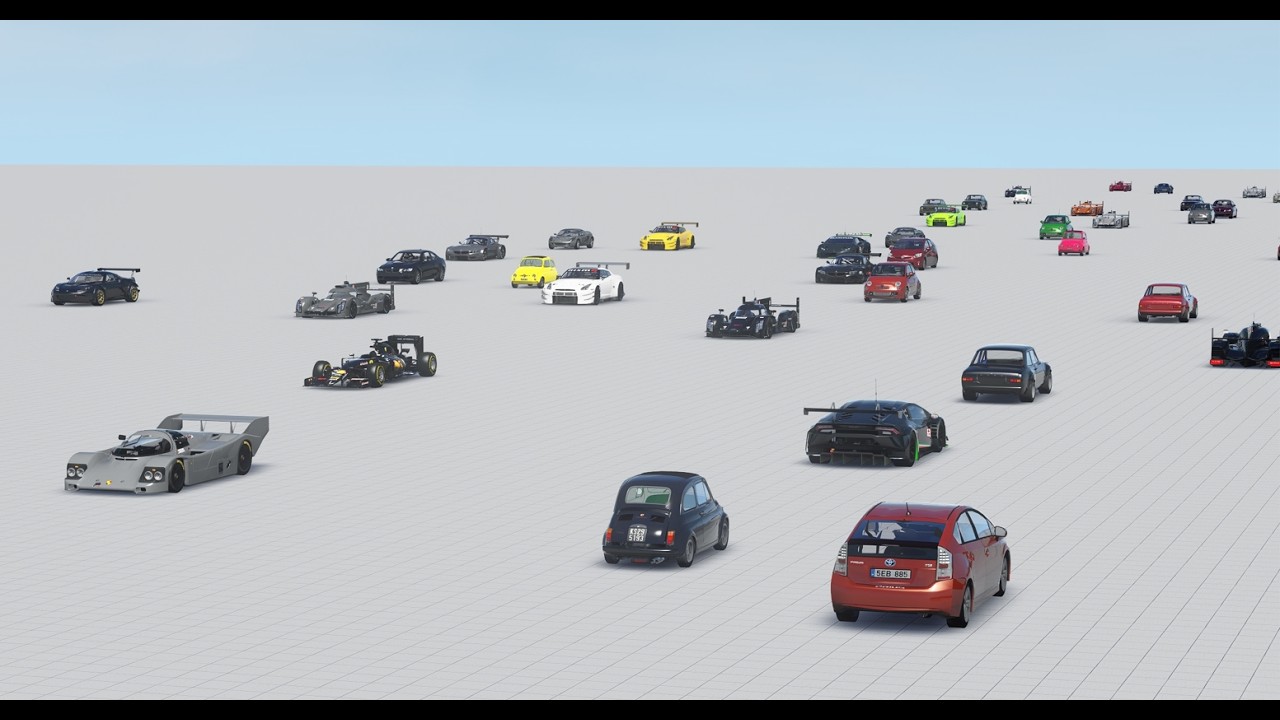
With the latest 2REAL app 2.1 update you can now add any car from your assetto corsa /content/cars library to your 2real traffic-tool carlists, and it works directly ingame with just a few clicks.
Open 2real App from the sidebar ingame, and click on ''edit'' button next to the carlist-picker.
Click ''Add cars'' to open car library
Click ''Scan'' - you only need to do this once, depending on your folder size it can take just a few seconds or up to a minute.
Then all your /content cars will be listed in the library, and you can simply add them to your ingame carlists with the ''Add'' button.
That's it. Cars will also get a marker (green,orange,red) showing you how the cars will perform in the simulation (green = good, orange = ok, red = bad).
The setup is meant to be easy to use (and I hope its easy for you too), if you have still any questions or issues please let me know in the comments :)
Much greets from Malice (2REAL)