
2REAL — Deutschlandring Traffic Mod
- Track
- Deutschlandring
- Location
- Germany
- Type
- Race circuit
What this mod does
Realistic AI traffic for Deutschlandring. The mod ships pre-tuned spawn density and lane data; the actual cars are driven live by the 2REAL Traffic Tool (2REAL App), which lets you adjust traffic density, spawn rules and behaviors while you drive.
You're adding a full traffic AI layer to Deutschlandring. The lane definitions and spawn weights are baked in; the live behavior — gap rules, lane changes, indicators, density — is driven by the 2REAL Traffic Tool (2REAL App), which you can tune in real time from the in-game phone UI.
Recommended App features for this map
Once installed, the 2REAL Traffic Tool (2REAL App) takes over runtime behavior — spawning, animation, density, tuning. On Deutschlandring, these features pair especially well with the mod:
- Race Campaigns — chain races into a structured campaign on Deutschlandring.
- Racemaker — build custom races on Deutschlandring with start, finish and grid logic.
- Race Cars — insert race-spec cars into the traffic mix on Deutschlandring.
The Deutschlandring map
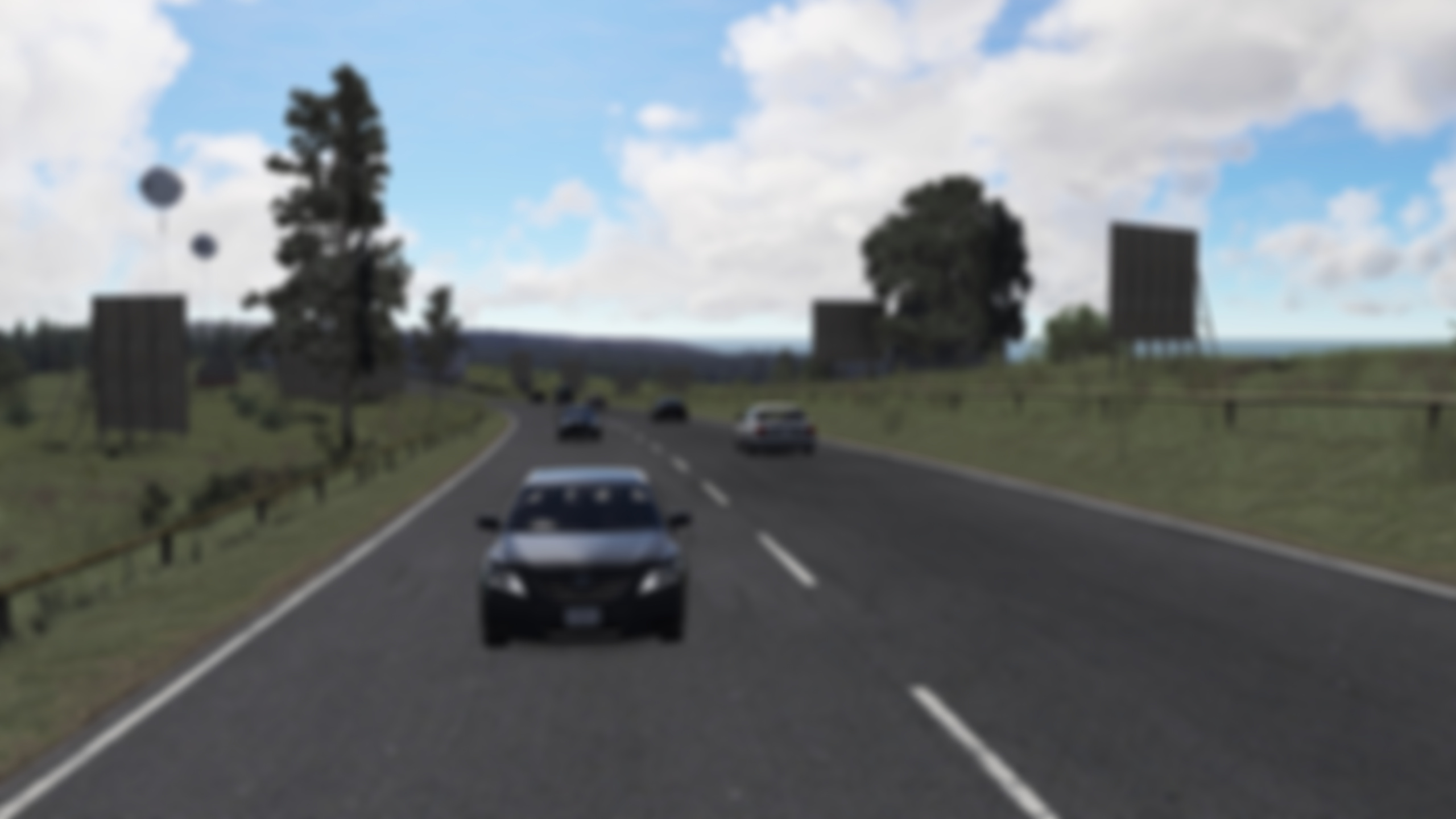
Deutschlandring is a fictional German motorsport circuit — a flowing, high-speed layout in the spirit of historic German road courses. Wide sweeping corners and long straights make it a track where draft and slipstream dynamics matter, and where AI traffic creates believable race-day atmosphere.
How to install
- Install 2REAL Traffic Tool (2REAL App) (drag the App package into Content Manager).
- Install the base map: Deutschlandring.
- Place the included
traffic.jsoninto the track's/datafolder. - Launch Assetto Corsa, load the track in Practice mode, and open the 2REAL Traffic Tool (2REAL App) in-game.
- Tune density, lane behavior and other settings from the in-game phone UI.
Common questions
Does this mod require the 2REAL Traffic Tool (2REAL App)?
Yes. The traffic and pedestrian behavior is driven by the 2REAL Traffic Tool (2REAL App). The mod ships the spline data; the App spawns and animates the AI at runtime.
Does this mod modify the base map's geometry?
No. The mod only adds spline and spawn data into the track's /data folder. The base map stays untouched, so you can disable the mod by removing the JSON files without affecting anything else.
Where do I get help if installation fails?
Join the 2REAL Discord — most install issues are resolved there in minutes. The install guide also covers the full setup from a clean Content Manager.
How do I update the mod when a new version is released?
New versions usually drop the same JSON files into the same /data folder as the previous version. Replace the existing files and the 2REAL Traffic Tool (2REAL App) will pick up the new spline data on the next launch.
Is this Patreon-exclusive or free?
Most 2REAL mods are tied to a tier on Patreon — the download button on this page checks your access automatically once you log in. Some mods are free; the button will reflect what tier (if any) is required.