
2REAL — Omegas Traffic Mod
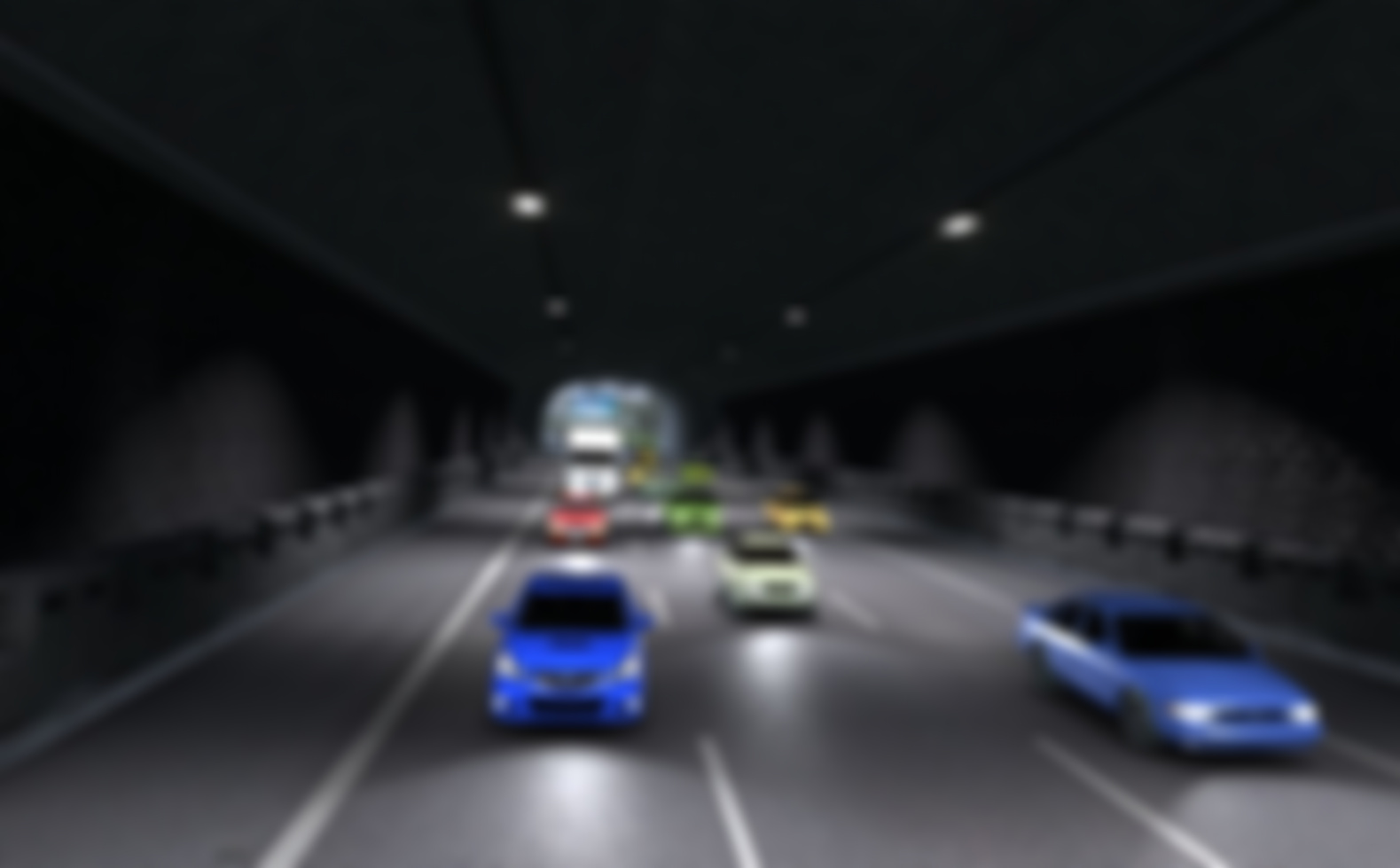
- Track
- Omegas
- Location
- Japan
- Type
- Touge / Mountain road
The Omegas map
Omega-shaped mountain pass with a series of tight switchbacks and downhill esses — the classic touge layout that gave the area its name. A favorite among drift and hillclimb enthusiasts.
What this mod adds
Realistic AI traffic for Omegas. The mod ships pre-tuned spawn density and lane data; the actual cars are driven live by the 2REAL Traffic Tool (2REAL App), which lets you adjust traffic density, spawn rules and behaviors while you drive.
With this mod installed, Omegas fills up with AI traffic that actually drives — not just rolls down splines. The 2REAL Traffic Tool (2REAL App) handles lane changes, indicators, brake lights and spawn density; the mod just tells it where the lanes are.
What to tune in the 2REAL Traffic Tool (2REAL App)
All AI behavior on Omegas runs through the 2REAL Traffic Tool (2REAL App) — the mod itself just ships the spline data. A few App features stand out for this kind of map:
- Traffic Density — set spawn density per zone — Omegas works well with mid-to-high density on the highway and lower density on side roads.
- Racemaker — build custom races on Omegas with start, finish and grid logic.
- Performance Presets — if you run a busy car build, switch to a lighter preset — important on long open maps like Omegas.
How to install
- Install 2REAL Traffic Tool (2REAL App) (drag the App package into Content Manager).
- Install the base map: Omegas.
- Place the included
traffic.jsoninto the track's/datafolder. - Launch Assetto Corsa, load the track in Practice mode, and open the 2REAL Traffic Tool (2REAL App) in-game.
- Tune density, lane behavior and other settings from the in-game phone UI.
FAQ
Does this mod require the 2REAL Traffic Tool (2REAL App)?
Yes. The traffic and pedestrian behavior is driven by the 2REAL Traffic Tool (2REAL App). The mod ships the spline data; the App spawns and animates the AI at runtime.
Will it run smoothly on my system?
High-density traffic and pedestrians are GPU- and CPU-intensive. If you see frame drops on Omegas, switch to a lighter performance preset in the App, or lower the density.
Can I run this without a steering wheel?
Yes. The mod runs on top of standard Assetto Corsa — keyboard, gamepad and wheel are all supported. AI behavior on Omegas is identical regardless of input device.
Do I need Content Manager to install this?
Content Manager is recommended (and what our install steps assume). It makes drag-and-drop installation of the App and base map straightforward. You can install the JSON files manually into the track's /data folder if you prefer.
Can I limit which cars spawn in the AI traffic?
Yes — use the Car List Editor in the App to control which cars are eligible to spawn. Useful if you want region-appropriate cars for Omegas.