
2REAL — Bruschied Traffic Mod
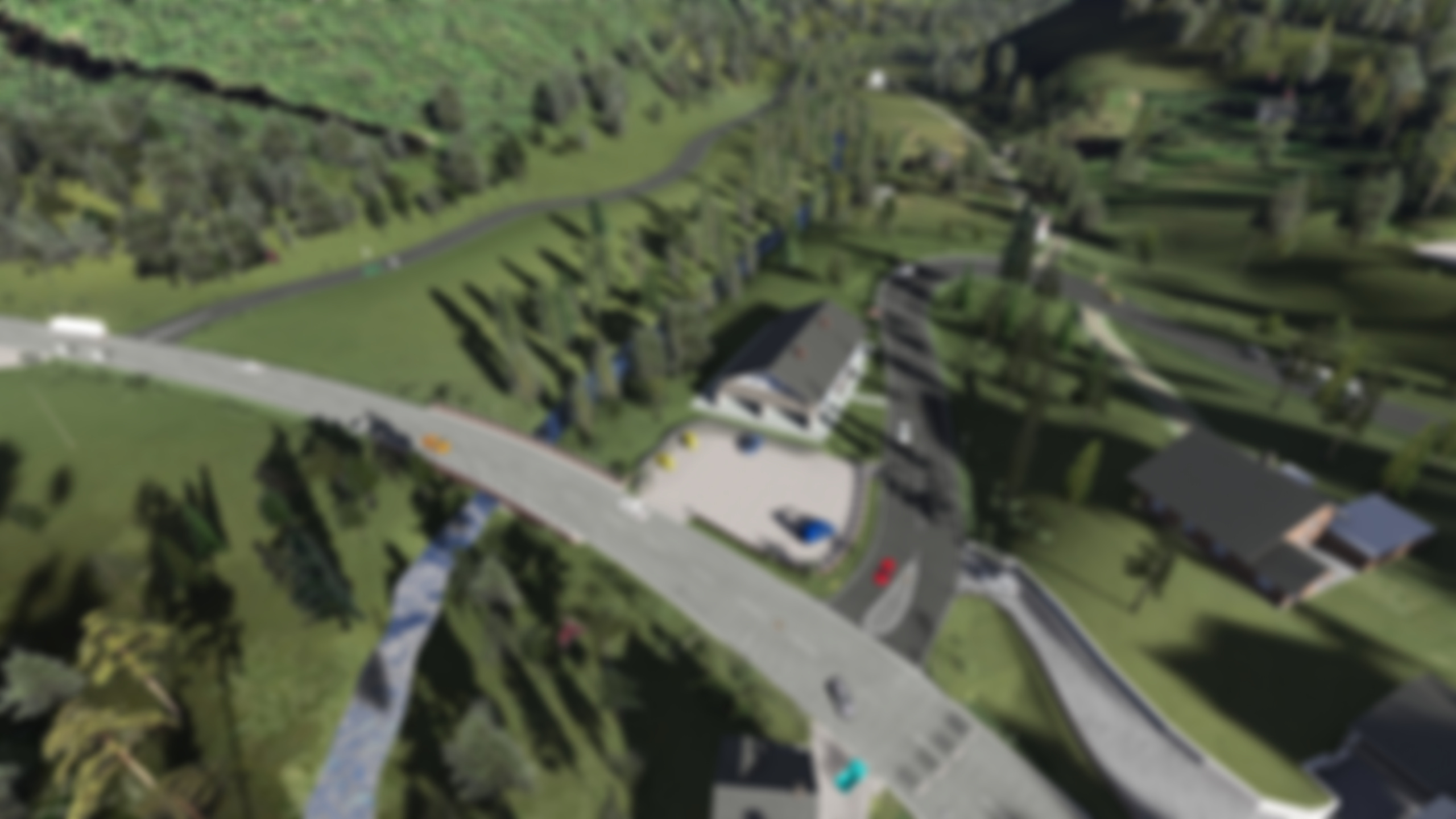
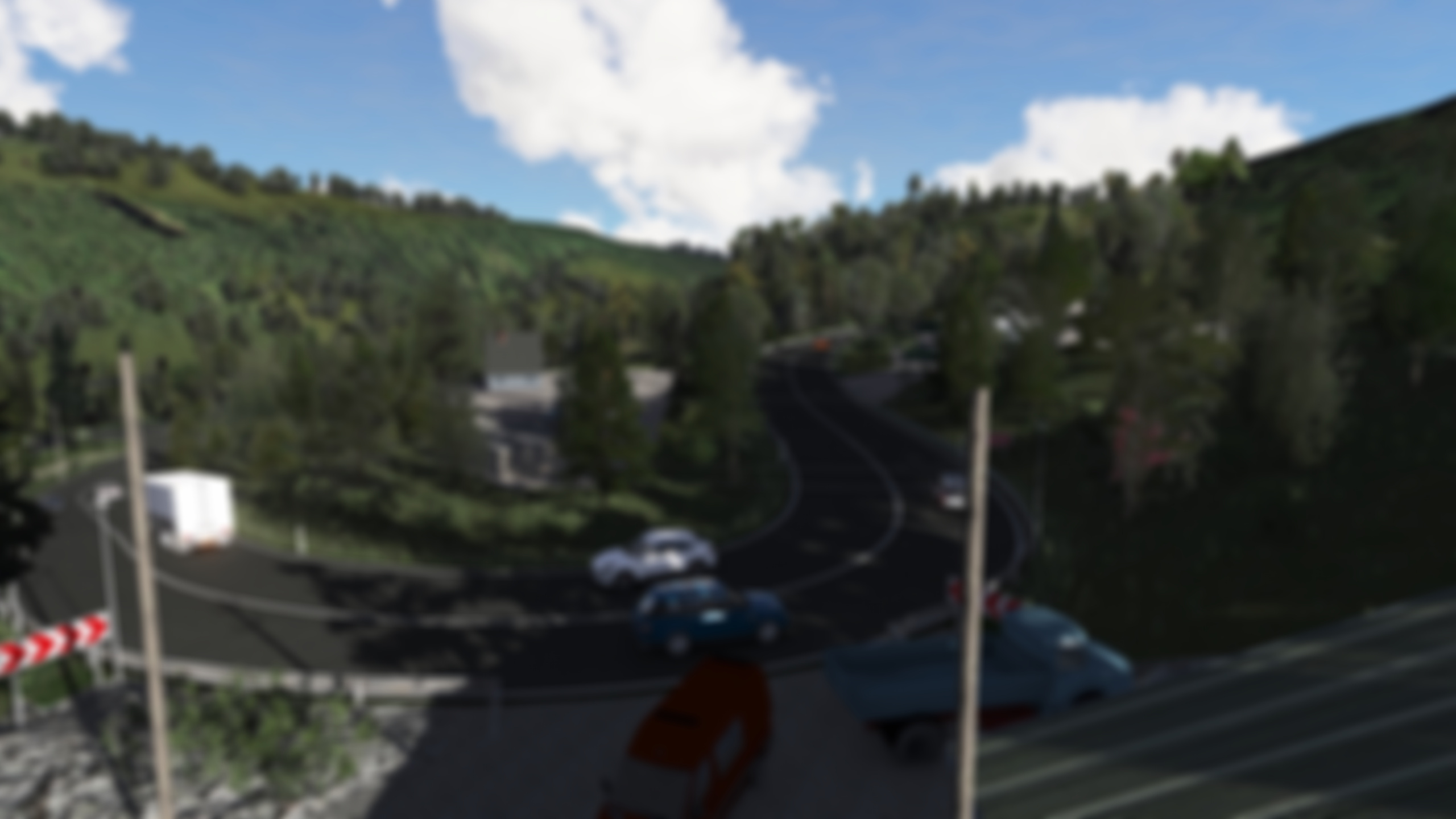
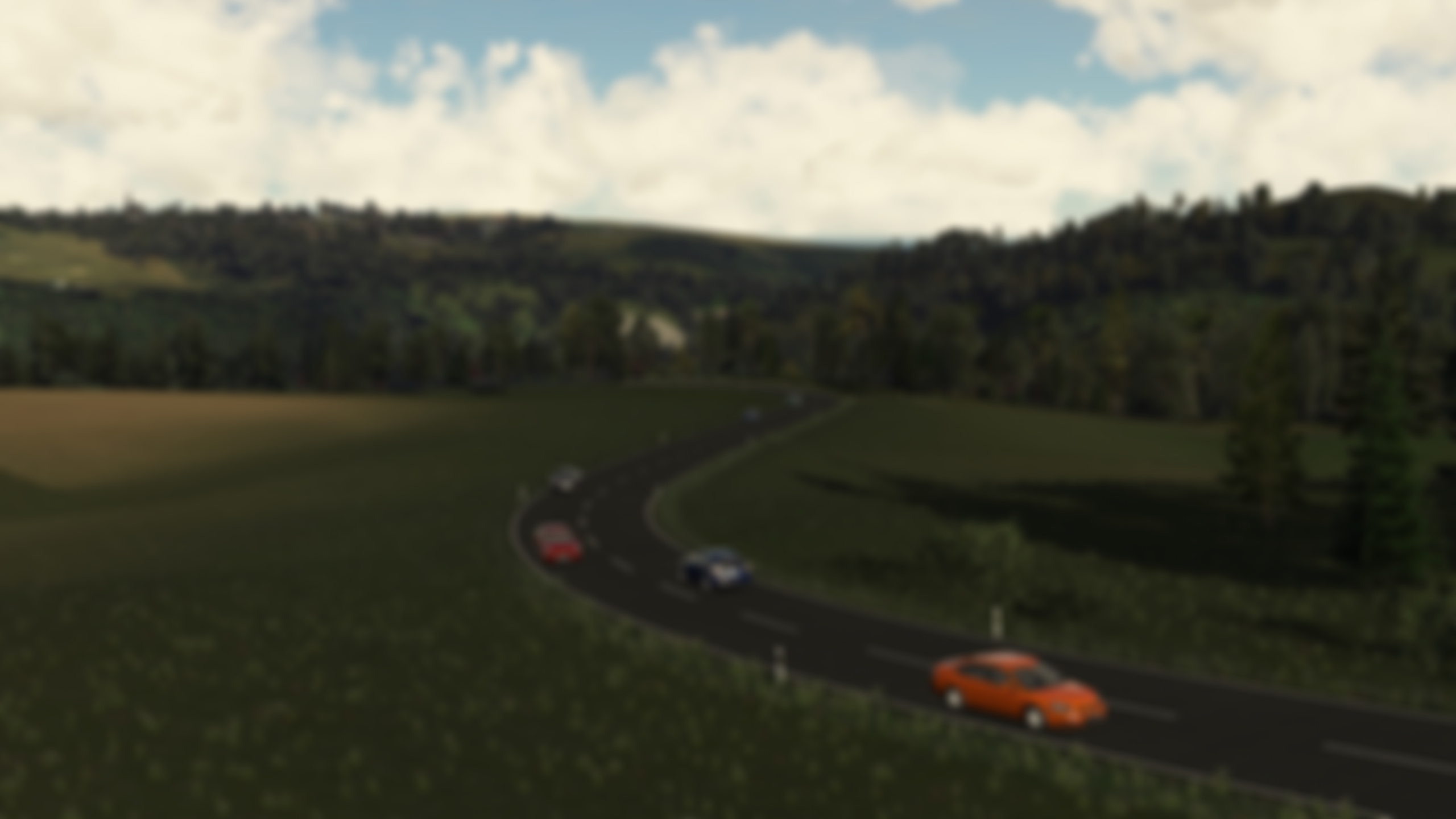
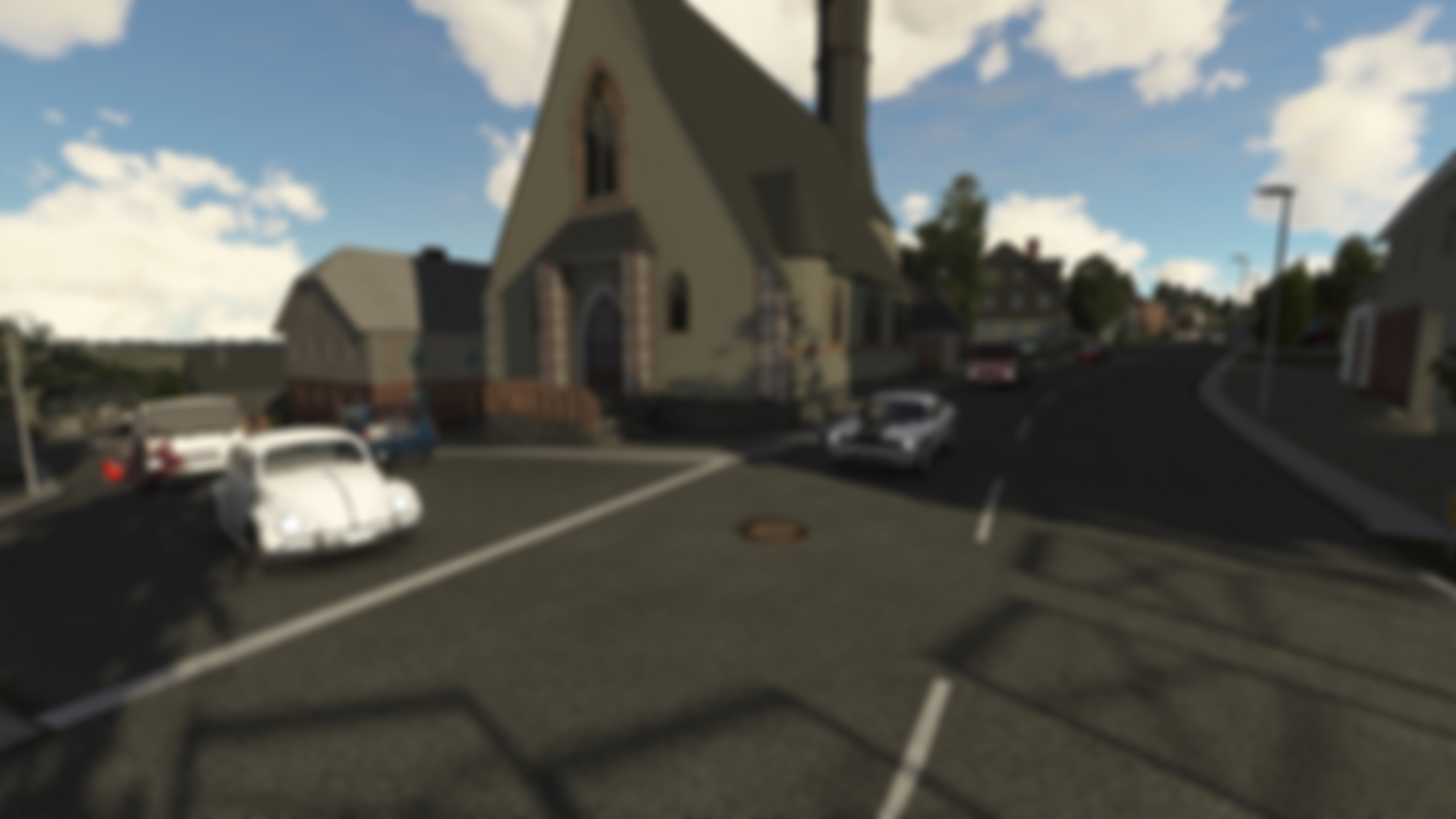
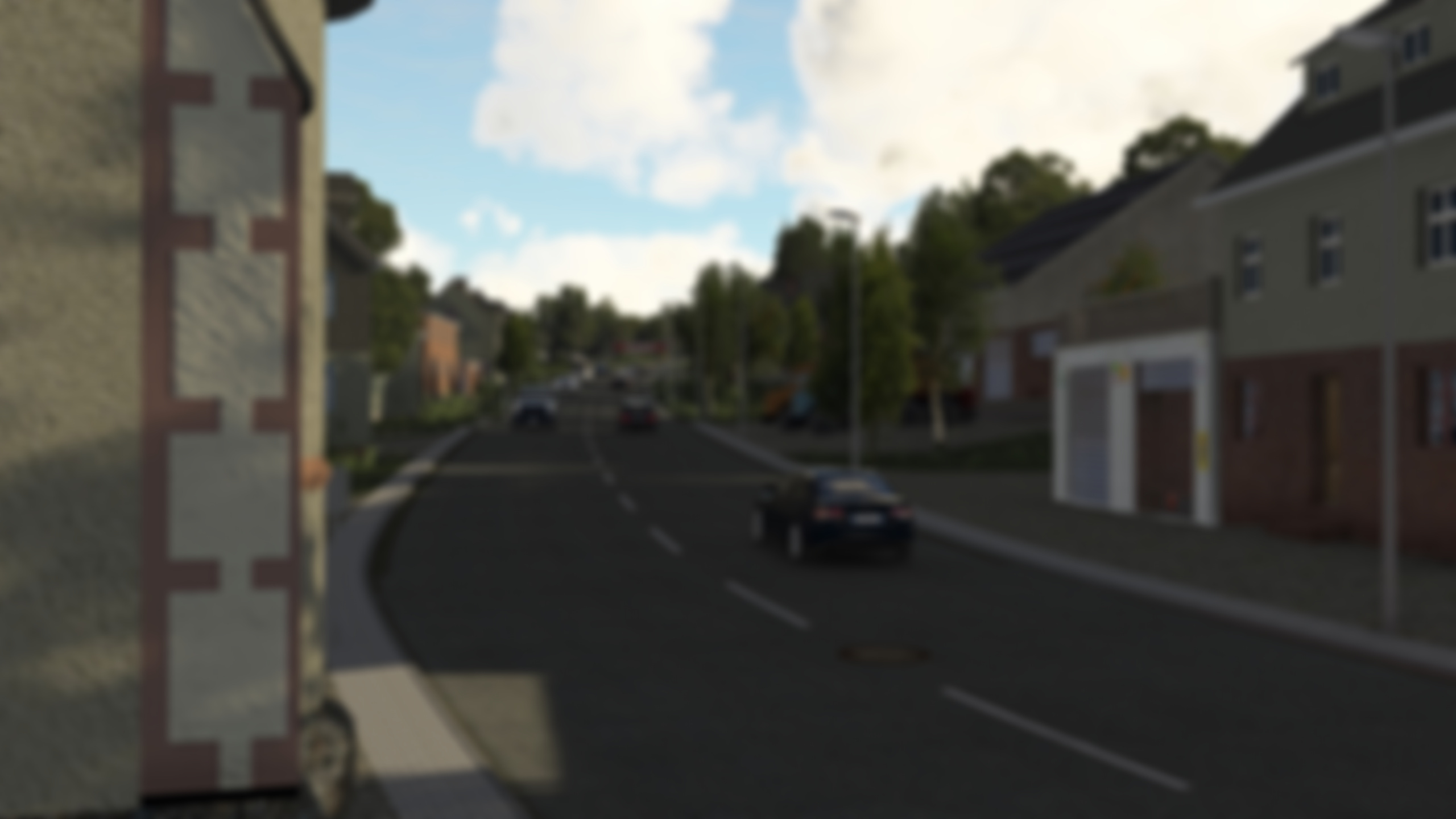
- Track
- Bruschied
- Location
- Bruschied, Germany
- Type
- Hillclimb / Country road
- Released
- 2024
- Track by
- Pyyer
Bruschied — the base map
A recreation of the Bruschied hillclimb course in Rhineland-Palatinate, Germany — a narrow country road winding through the wooded hills of the Hunsrück, popular among hillclimb enthusiasts and used as a real-world rally stage. Tight corners, elevation changes and short straights make it a technical drive.
Inside the package
Realistic AI traffic for Bruschied. The mod ships pre-tuned spawn density and lane data; the actual cars are driven live by the 2REAL Traffic Tool (2REAL App), which lets you adjust traffic density, spawn rules and behaviors while you drive.
This is the traffic data layer for Bruschied — splines, spawn points, lane priorities — all packaged for use with the 2REAL Traffic Tool (2REAL App). Once you install both, the App spawns and steers AI cars across the map and exposes density, behavior and police controls live in-game.
Recommended App features for this map
All AI behavior on Bruschied runs through the 2REAL Traffic Tool (2REAL App) — the mod itself just ships the spline data. A few App features stand out for this kind of map:
- Traffic Density — set spawn density per zone — Bruschied works well with mid-to-high density on the highway and lower density on side roads.
- Traffic Features — toggle indicators, brake lights, lane changes and other behaviors that bring the AI cars on Bruschied to life.
- Performance Presets — if you run a busy car build, switch to a lighter preset — important on long open maps like Bruschied.
How to install
- Install 2REAL Traffic Tool (2REAL App) (drag the App package into Content Manager).
- Install the base map: Bruschied.
- Place the included
traffic.jsoninto the track's/datafolder. - Launch Assetto Corsa, load the track in Practice mode, and open the 2REAL Traffic Tool (2REAL App) in-game.
- Tune density, lane behavior and other settings from the in-game phone UI.
Frequently asked questions
Does this mod require the 2REAL Traffic Tool (2REAL App)?
Yes. The traffic and pedestrian behavior is driven by the 2REAL Traffic Tool (2REAL App). The mod ships the spline data; the App spawns and animates the AI at runtime.
Does this work in multiplayer?
Traffic and pedestrian behavior is a client-side overlay — other players need the same mod and 2REAL Traffic Tool (2REAL App) version to see the same AI. For dedicated server setups, see Online Mode for compatibility notes.
Can I limit which cars spawn in the AI traffic?
Yes — use the Car List Editor in the App to control which cars are eligible to spawn. Useful if you want region-appropriate cars for Bruschied.
Do I need Content Manager to install this?
Content Manager is recommended (and what our install steps assume). It makes drag-and-drop installation of the App and base map straightforward. You can install the JSON files manually into the track's /data folder if you prefer.
How do I update the mod when a new version is released?
New versions usually drop the same JSON files into the same /data folder as the previous version. Replace the existing files and the 2REAL Traffic Tool (2REAL App) will pick up the new spline data on the next launch.